

Imagine you are a Training Manager responsible for managing multiple learning programs across your organization. Every month, you need to answer questions such as:
- →How much will each training program cost?
- →Which trainer is the most expensive?
- →What is the total learning budget for the quarter?
- →Which programs provide the best value?
Initially, you use spreadsheets. As the number of programs grows, calculations become repetitive and prone to errors. This is where Python comes in.
What is Python?
Python is one of the world's most popular programming languages. It is widely used for Data Analysis, Machine Learning, Deep Learning, Web Development, Automation, and Artificial Intelligence.
As a Training Manager, Python can help you calculate training budgets automatically, analyze learning effectiveness, track trainer performance, predict future training costs, and create learning dashboards.
Why Python is Popular
Python is easy to read and write. Consider this statement:
print("Hello Learning World")Even someone with no programming experience can understand what it does.
Python is Case Sensitive
Python treats uppercase and lowercase letters differently.
trainer = "Raj"   # This is a different variable from...
Trainer = "Priya" # ...this one
Trainer and trainer are two different variables with two different values.
Spacing (Indentation) is Important
Unlike many programming languages, Python uses indentation (spaces) to define structure.
✅ Correct:
if cost > 50000:
    print("High Budget Program")
❌ This will generate an error:
if cost > 50000:
print("High Budget Program")  # Missing indentation!
Setting Up Your Python Environment
You need to create a system: VS Code for writing code, a Python interpreter to execute the code, and an output window to display results.
Install Python (The Engine)
Download Python from: https://www.python.org/downloads/
- • Choose the latest stable version
- • While installing, make sure to check: Add Python to PATH
- • Click Install and wait for installation to complete
Verify installation by opening the terminal:
python --version
# Expected output: Python 3.14.0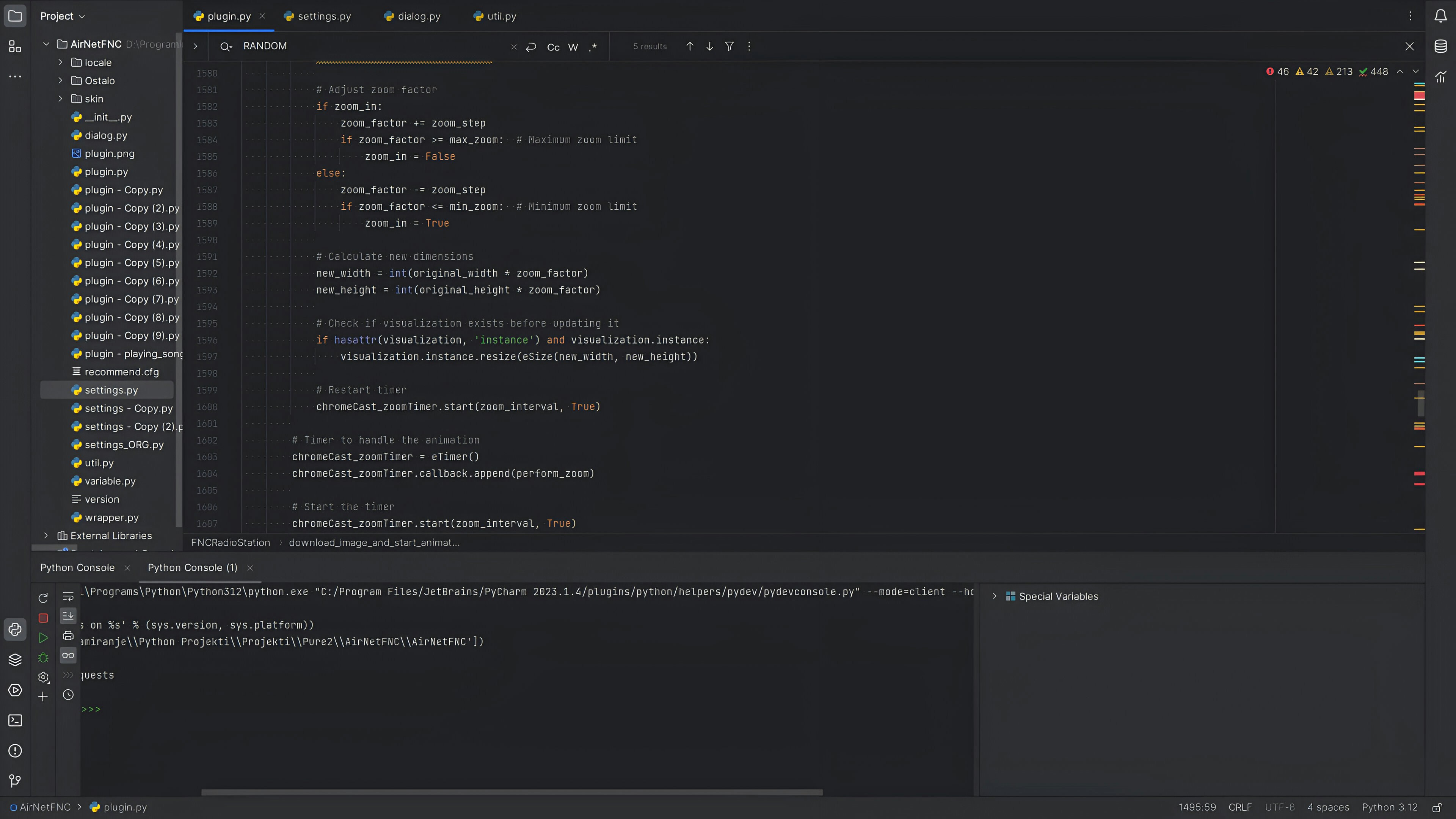
VS Code: Your Python development environment — code editor, file explorer, and terminal all in one place
Set Up VS Code & Create Your Project
- Open VS Code from the Start Menu
- Click File → Open Folder and create a folder called
Training_Cost_Calculator - In the Explorer panel, click New File and name it
training_cost.py
💡 The .py extension tells VS Code that this is a Python file — it enables syntax highlighting and the run button.
Your First Python Program
Let's start with your Training Management scenario. Type this into your file:
print("Welcome to Learning Cost Calculator")Save the file with Ctrl + S, then run it:
Option 1 — Run Button
Look at the top-right corner of VS Code and click the ▶ Run Python File button.
Option 2 — Terminal
Open Terminal → New Terminal and type:
python training_cost.pyThe terminal displays:
Welcome to Training Cost CalculatorFundamentals of Python
Data Types — The Building Blocks
Everything in Python is stored as a data type. As a Training Manager, you deal with all four:
Integer
intWhole numbers
days = 5Float
floatDecimal numbers
hourly_rate = 2500.50String
strText values (always in quotes)
trainer = "Amit Sharma"Boolean
boolTrue or False values
completed = TrueOperators — Making Data Useful
| Operator | Symbol | Example | Output |
|---|---|---|---|
| Addition | + | print(10 + 5) | 15 |
| Subtraction | - | print(20 - 5) | 15 |
| Multiplication | * | print(9 * 5) | 45 |
| Division | / | print(25 / 4) | 6.25 |
| Floor Division | // | print(25 // 4) | 6 |
| Exponent | ** | print(2 ** 3) | 8 |
| Modulo | % | print(25 % 4) | 1 |
⚡ Operator Precedence
Python follows mathematical rules — multiplication happens before addition.
print(10 + 5 * 2)   # Output: 20  (5*2=10 first, then 10+10)
print((10 + 5) * 2) # Output: 30  (brackets first: 15*2)
Variables — Labeled Containers
Variables store information. The = sign means: "Store the value on the right into the variable on the left."
hourly_rate = 3000   # Assign 3000 to hourly_rate
duration_days = 5
trainer_name = "Rajesh"
📌 Assignment works only Right → Left
x = 10
y = 20
x = y   # x becomes 20 (y's value is copied into x)
# Result: x = 20, y = 20
The value of y is copied into x. The original value of x is replaced.
Python also allows assigning multiple variables at once:
days, hours, rate = 5, 6, 2500When variables are used with operators, you can calculate for any values:
hours_per_day = 6       # assign 6 to hours_per_day
duration_days = 4       # assign 4 to duration_days
total_hours = hours_per_day * duration_days   # calculate
print(total_hours)      # Output: 24
Build Your Training Cost Calculator
Now let's solve a real Training Manager problem. Here's the scenario:
| Item | Value |
|---|---|
| Trainer | Amit |
| Hourly Rate | ₹2,500 |
| Duration | 5 Days |
| Hours Per Day | 6 |
trainer = "Amit"
hourly_rate = 2500
days = 5
hours_per_day = 6total_hours = days * hours_per_daytotal_cost = total_hours * hourly_rateprint("Trainer:", trainer)
print("Total Hours:", total_hours)
print("Training Cost:", total_cost)Output:
Trainer: Amit
Total Hours: 30
Training Cost: 75000
From a simple cost calculator to a full Learning Management Analytics System — Python makes it possible
How Python Can Transform Training Management
Today you learned how Python can calculate the cost of one program. Here's what you'll learn next on this journey:
Lists
Store multiple training programs in one variable
Loops
Calculate costs for dozens of trainers automatically
Conditions
Identify high-budget programs with if/else logic
Functions
Create reusable learning cost calculators
Data Analysis
Analyze training effectiveness with real data
Machine Learning
Predict future learning needs automatically
Dashboards
Create real-time learning analytics views
What started as a simple cost calculator can eventually become a complete Learning Management Analytics System powered by Python.
And it all begins with a single line of code:
print("Welcome to Learning Cost Calculator")The first step toward becoming a data-driven Training Manager.
Quick Assessment
Test your understanding of the key concepts from this article — 5 questions
1Which of the following best describes what a variable does in Python?
2What will `print(25 // 4)` output in Python?
3Python is case sensitive. What does this mean?
4What is the correct way to verify Python is installed after opening the terminal?
5A Training Manager wants to calculate total training hours. Trainer works 6 hours/day for 5 days. Which Python code correctly calculates this?